


Beginner tips for online games work best when they make your first sessions simpler, safer, and less stressful. Start with one beginner-friendly game, adjust the settings before joining other players, complete the tutorial, protect your account, and keep your early sessions short. You do not need expensive gear or expert reflexes to enjoy online gaming.
A lot of digital entertainment today is highly immersive, but that does not mean a new player has to learn everything at once. The easiest approach is to choose a game that fits your interests, learn one mechanic at a time, and build confidence at your own pace.
Online gaming beginner checklist
- Choose a game with a tutorial, practice mode, or beginner matchmaking.
- Set comfortable controls, readable text, and stable graphics.
- Use a unique password and turn on two-factor authentication.
- Review voice chat, privacy, friend request, and purchase settings.
- Mute, block, and report players who ruin the experience.
- Set a time and spending limit before you start.
1. Choose an online game that matches your goal
Before downloading the most popular title, decide what you want from the experience. Cooperative games are a good fit if you enjoy teamwork. Racing and sports games offer clear rules and short matches. Strategy games reward planning, while role-playing games focus on exploration, characters, and long-term progress. A social or creative game may suit someone who prefers building and chatting over competition.
Check the age rating, supported platforms, cross-play options, accessibility features, and typical match length. Also look at whether the game can be enjoyed without optional purchases. Beginner-friendly matchmaking, tutorials, and bot modes are more useful than flashy graphics when you are learning.
2. Adjust the settings before your first match
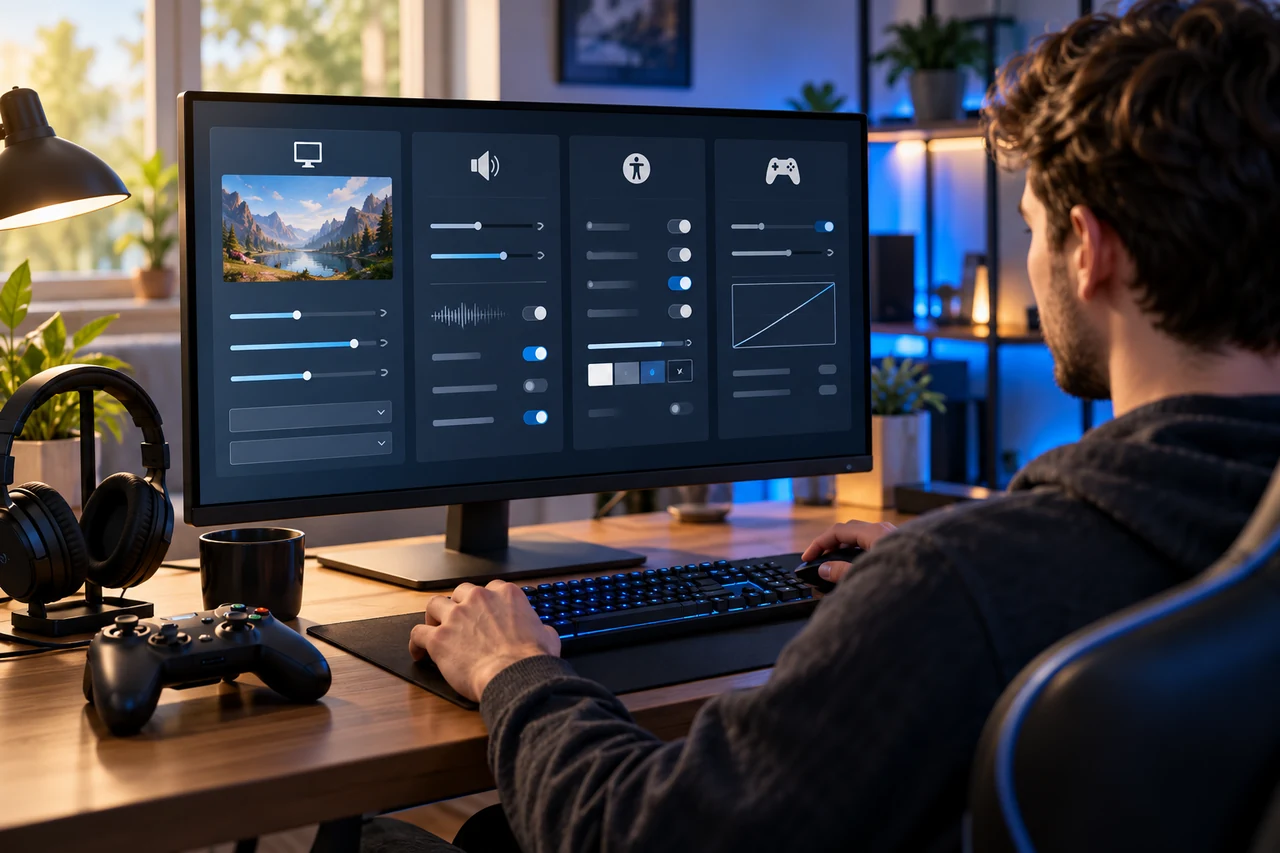
Default settings are designed for an average player, not for you personally. Open the controls, graphics, audio, accessibility, and privacy menus before joining a live match. Lower mouse or camera sensitivity if aiming feels jumpy. Increase subtitle size, turn on colour-blind modes when helpful, and reduce motion blur if it makes the screen harder to follow.
On a computer or console, prioritise a smooth, stable frame rate over the highest visual quality. Stable performance makes movement easier to read and controls feel more consistent. Headphones can help you notice important sounds, but keep the volume at a comfortable level.
3. Use the tutorial, practice mode, and bots
Tutorials teach the controls, but practice modes teach timing. Spend a few minutes testing movement, camera control, menus, and your most-used actions. If the game offers bot matches, play one or two before entering a competitive queue. This creates room to make mistakes without pressure.
Do not try to master every weapon, character, map, or role in one evening. Pick one simple option and learn its basic purpose. Once those actions feel automatic, add one new mechanic. Small goals—finishing a tutorial, understanding one map, or completing one cooperative mission—make progress easier to notice.
4. Learn the objective, not just the controls
Many beginners focus on scoring or eliminating opponents while forgetting the actual objective. Read the game mode description and watch what experienced teammates do. In team games, protecting an area, gathering resources, supporting another player, or completing a task may matter more than an individual score.
Some games create random maps, rewards, or events thanks to RNGs. Randomness can change a match, but it does not replace good decisions. Focus on what you can control: positioning, communication, preparation, and when to take a break.
5. Protect your gaming account
Your gaming account may hold purchases, saved progress, friends, and personal details, so treat it like any other important online account. Use a strong password that you do not reuse elsewhere. Turn on two-factor authentication, preferably through an authenticator app when the platform supports it. Secure the email account connected to the game as well.
Only download games, updates, and add-ons from official stores or verified publisher pages. Avoid messages promising free currency, rare items, account upgrades, or early access in exchange for your login. Do not share verification codes, and never let a stranger “check” your account. If a link creates urgency, open the official app or website yourself instead of using the message.
6. Set privacy, chat, and social controls
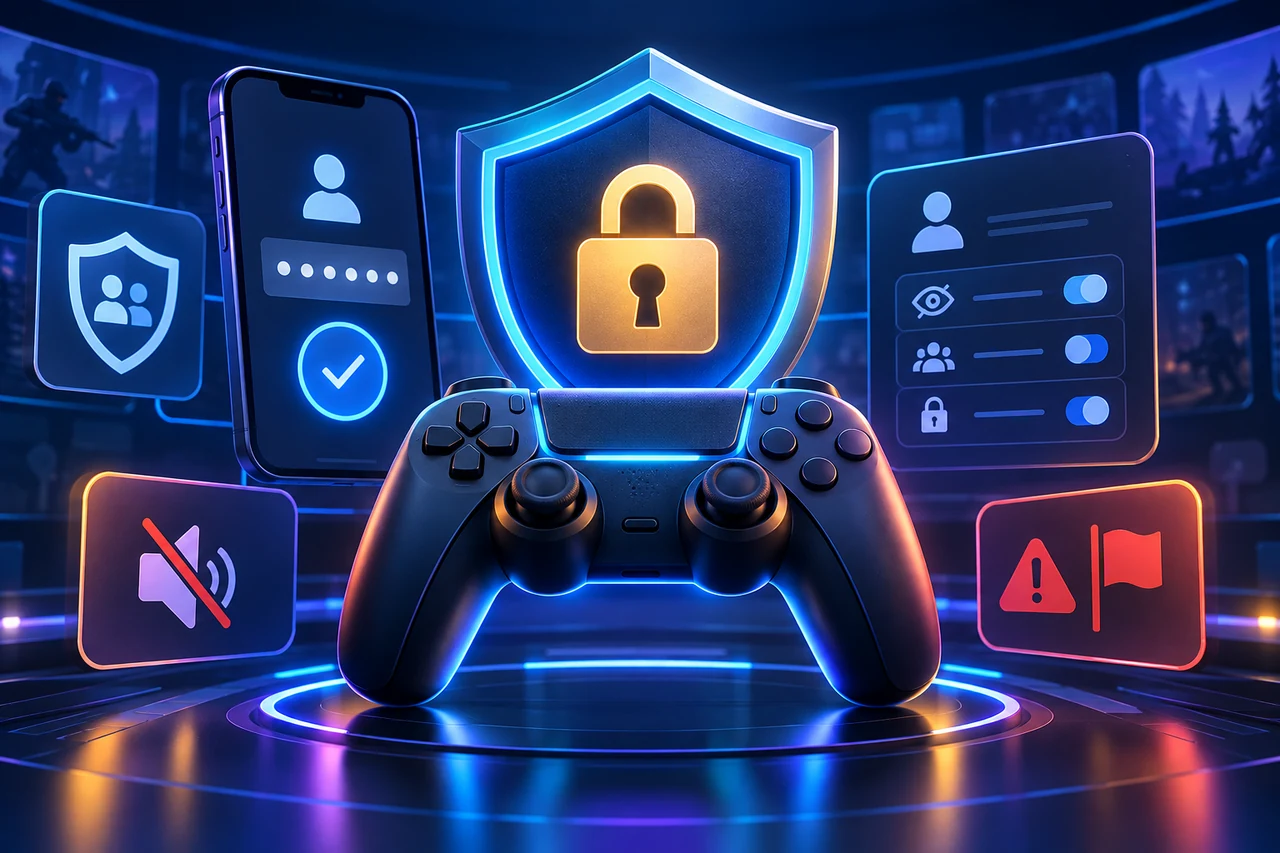
Review who can send friend requests, view your profile, invite you to a group, hear your microphone, and message you. Beginners do not have to join public voice chat. You can start with friends-only communication, text chat, quick-ping tools, or no chat at all.
Never share your full name, school, workplace, address, phone number, passwords, or real-time location with people you meet in a game. Usernames and profile pictures should not reveal information you would rather keep private. Parents and guardians should use platform family settings to manage age-appropriate content, communication, play time, and purchases for younger players.
7. Use mute, block, and report tools early
Competition can be exciting, but insults, harassment, threats, repeated unwanted messages, and cheating are not part of healthy play. You do not need to argue with a disruptive player. Mute them, block them, save evidence when appropriate, and use the in-game reporting system.
Positive communication is usually short and useful: call out an objective, ask a clear question, thank a teammate, or suggest a plan. If a group repeatedly makes you uncomfortable, leave and find another lobby. A good community can improve a game more than any leaderboard position.
8. Improve connection and performance without overspending
You do not need a premium setup to begin. A reliable internet connection, comfortable controls, and a device that runs the game smoothly matter more than decorative accessories. If matches lag, pause large downloads and video streams on the same network. Use a wired connection when practical, or sit closer to the router and use a less congested Wi-Fi band.
Keep the game, device software, graphics drivers, and router firmware updated. If performance drops, lower shadows, reflections, and other demanding visual settings before reducing resolution. Test one change at a time so you know what helped. A stable experience is better than maximum graphics with frequent stuttering.
9. Set healthy time and spending boundaries
Decide your session length before you start, especially when a game uses daily rewards, endless matches, or frequent notifications. A timer makes it easier to stop after a match instead of starting “just one more.” Stand up, rest your eyes, drink water, and stretch between longer sessions.
Optional skins, passes, and add-ons can make a free game expensive. Turn on purchase authentication, avoid saving payment details on shared devices, and decide a monthly entertainment budget. Before buying, ask whether the item changes gameplay, expires, or works only in one mode. Younger players should always involve a parent or guardian in purchases.
10. Review each session and improve one thing
After playing, identify one moment that went well and one skill to practise next time. You might adjust sensitivity, learn a map route, practise a support ability, or communicate earlier. Avoid judging progress only by wins and losses. Better decisions, calmer reactions, and a clearer understanding of the objective are meaningful improvements.
Watching a short official tutorial or a trusted beginner guide can help, but spend more time practising than collecting advice. Copy one useful technique at a time. Trying to imitate advanced players before mastering the basics often makes a game feel harder than it is.
Online gaming tips for parents and guardians
Check the game’s age rating and content descriptors, then play or watch a short session before deciding whether it suits your child. Use console, mobile, or computer family controls to limit spending, communication, content, and play time. Explain why private information stays private and show the child how to mute, block, and report another player.
Keep the conversation open. A child is more likely to mention an upsetting message, purchase mistake, or scam attempt when the response is calm and practical. Agree on clear rules together and review them as the child, game, and platform change.
Frequently asked questions
What type of online game is best for beginners?
A game with a clear tutorial, adjustable difficulty, practice mode, and beginner matchmaking is usually easiest. Cooperative, racing, sports, creative, and casual strategy games can all work—the best choice depends on what you enjoy.
Do beginners need expensive gaming equipment?
No. Use the device and controller or keyboard you already have if they meet the game’s requirements. A stable connection and comfortable settings usually improve the experience more than premium accessories.
How long should a beginner gaming session be?
There is no universal number, but 30 to 60 minutes is a manageable starting point for many people. Stop sooner if you feel tired, frustrated, sore, or unfocused, and take regular breaks during longer sessions.
What should I do if another player is toxic?
Do not argue. Mute or block the player, leave the lobby if needed, and use the game’s report tool for harassment, threats, hate speech, cheating, or repeated unwanted contact.
Is cross-play useful for beginners?
Cross-play makes it easier to play with friends on different devices, but control methods and performance can vary. If matches feel unbalanced, check whether the game lets you limit cross-play or choose input-based matchmaking.
How can I avoid gaming scams?
Use official stores, never share passwords or verification codes, ignore “free currency” offers, and confirm promotions inside the official game or publisher website. Turn on two-factor authentication and secure the linked email account.
Final thoughts
The best beginner tips for online games are simple: choose a game you genuinely like, adjust the settings, practise without pressure, protect your account, communicate on your terms, and set sensible limits. You will learn faster when the experience feels safe and manageable.
You do not need to understand every system on day one. Start with one goal, notice what improves, and enjoy the experience. Confidence comes from steady practice, not from rushing into advanced play.